What Query Parameters Are
Query parameters are key-value pairs added after the question mark in a URL. They are commonly used for search terms, filters, pagination, analytics tags, redirect destinations, and API options.
https://example.com/search?q=url%20encoding&page=2In this example, the query string contains two parameters: q with the value url encoding, and page with the value 2.
The Characters That Matter
Query strings use several delimiter characters:
| Character | Meaning |
|---|---|
? |
Starts the query string |
& |
Separates parameters |
= |
Separates a name from a value |
# |
Starts the URL fragment |
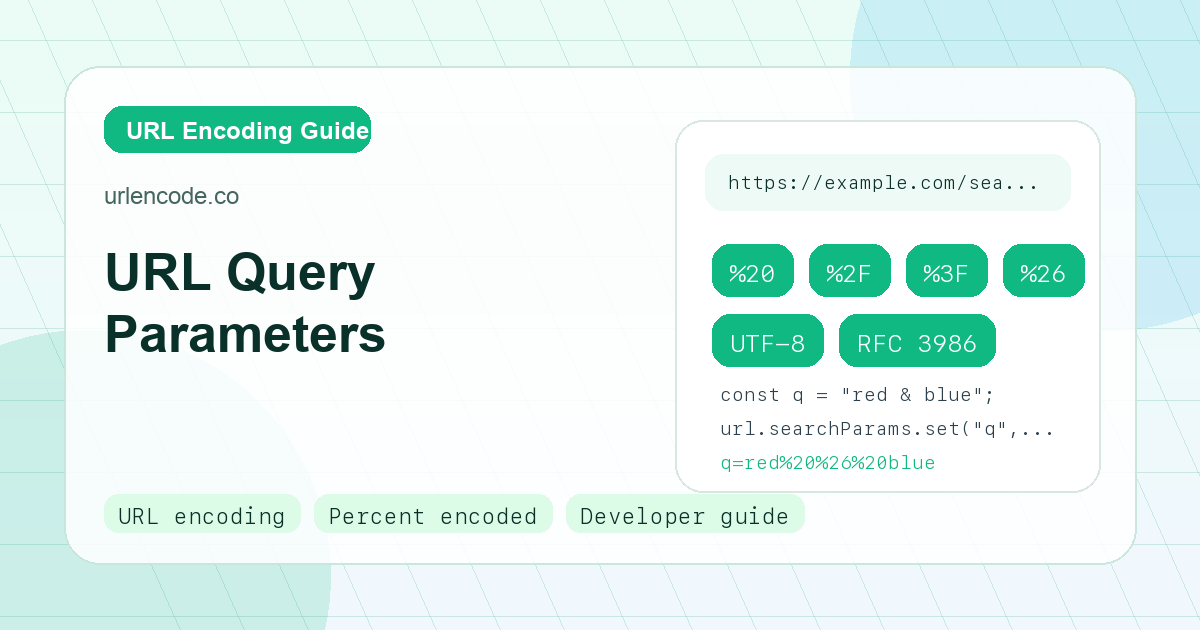
If any of those characters appear inside a value, they must be percent-encoded. For example, the value red & blue must become red%20%26%20blue.
Encode Names and Values Separately
The safe pattern is:
const name = encodeURIComponent("redirect url");
const value = encodeURIComponent("https://example.com/thanks?from=email");
const query = `${name}=${value}`;
This produces:
redirect%20url=https%3A%2F%2Fexample.com%2Fthanks%3Ffrom%3DemailThe inner URL is encoded because it is data inside the outer URL. If you leave it unencoded, the outer parser will treat its ? and = characters as part of the outer query structure.
Use URLSearchParams for Objects
For most JavaScript work, use URLSearchParams:
const params = new URLSearchParams();
params.set("q", "URL encoding & decoding");
params.set("lang", "en-US");
params.set("page", "1");

const url = `/search?${params.toString()}`;
This avoids manual mistakes and makes updates easier. It also handles repeated values:
const params = new URLSearchParams();
params.append("tag", "javascript");
params.append("tag", "url-encoding");
Spaces: Percent Twenty vs Plus
Spaces in URLs are often represented as %20. In application/x-www-form-urlencoded query strings, spaces may also be represented as +. Both are common, but they are not identical in every URL context.
A literal plus sign must be encoded as %2B when it is meant to stay a plus sign:
q=C%2B%2B%20tutorialThat value decodes to C++ tutorial.
API Request Example
Suppose an API supports search, sort, and a redirect URL:
const api = new URL("https://api.example.com/items");
api.searchParams.set("q", "laptop bag 15\"");
api.searchParams.set("sort", "price:asc");
api.searchParams.set("next", "https://example.com/account?tab=orders");

fetch(api.toString());
The browser produces a valid URL where quotes, colons, question marks, and equals signs inside values are encoded correctly.
Server-Side Decoding
Most server frameworks decode query parameters for you. In Express, Django, Rails, Laravel, Symfony, and Spring, reading a request parameter usually returns the decoded value. That means your application code should not decode the same parameter again unless you know it is intentionally nested encoded data.
Double decoding can become a security issue when filters inspect one decoded form but a router or file system later interprets another decoded form.
Debugging Broken Query Strings
If an API request behaves oddly, check for these symptoms:
- Extra parameters appear because
&was not encoded inside a value. - Values are truncated because
#started a fragment. - A redirect URL loses its own query because
?was not encoded. - A literal plus sign becomes a space.
%2520appears because%20was encoded again.
Use a URL encoder to inspect the exact parameter value before you send the request.
Frequently Asked Questions
Can a URL have repeated query parameters?
Yes. Repeated parameters are valid, such as tag=js&tag=api. How they are interpreted depends on the server framework. Some return an array, while others keep only the first or last value.
Should I encode the whole query string at once?
No. Encode each parameter name and each parameter value separately, then join pairs with = and &. Encoding the whole query string can encode the separators that make it work.
Is it safe to put JSON in a query parameter?
It can work for small payloads if the JSON is encoded, but it is usually better to use a POST body for larger or sensitive data.