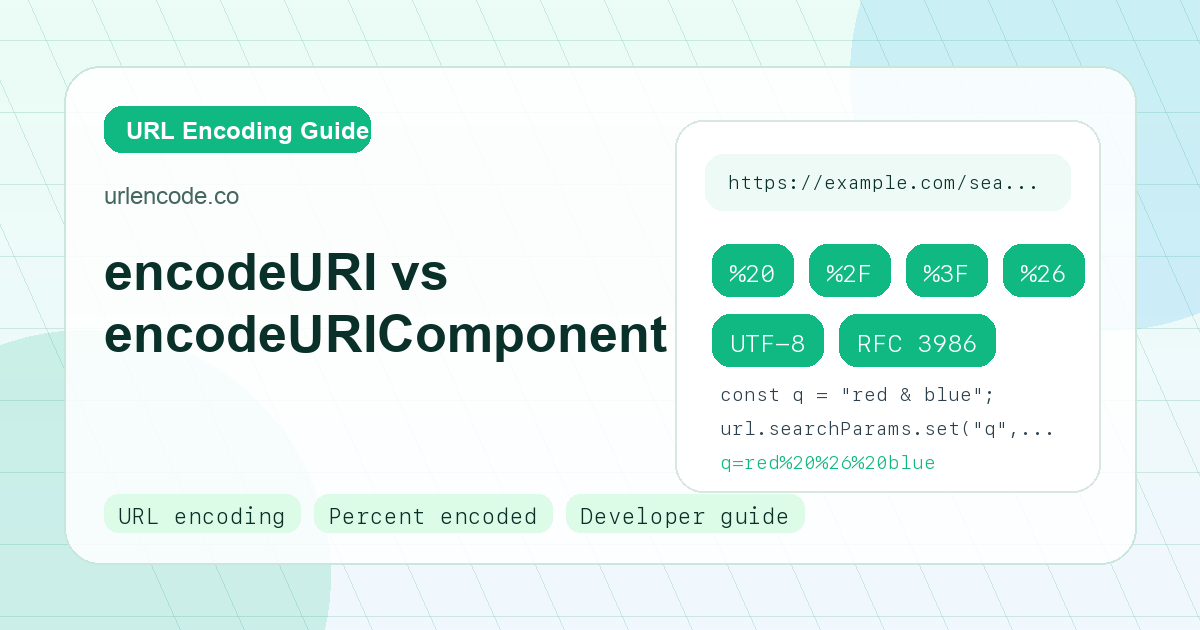
The Short Answer
Use encodeURIComponent() for almost every dynamic value you put into a URL. Use encodeURI() only when you already have a complete URL and you want to preserve the characters that make the URL structure work.
The difference matters because URLs contain two kinds of characters: characters that are data, and characters that are syntax. In https://example.com/search?q=a&sort=desc, the :, /, ?, =, and & characters define the URL structure. If a user searches for a&sort=price, that ampersand is data, not structure, and it must be encoded as %26.
What encodeURI Preserves
encodeURI() is designed for a full URI. It keeps reserved URL syntax characters readable so the URL remains a URL:
encodeURI("https://example.com/search?q=red shoes&sort=price")
// "https://example.com/search?q=red%20shoes&sort=price"
Notice that ?, =, and & remain unencoded. That is useful when the string already has a correct URL structure. It is unsafe when the string is a parameter value.
What encodeURIComponent Encodes
encodeURIComponent() is stricter. It encodes reserved syntax characters because it assumes the input is one component of a URL:
const q = "red shoes & socks";
const url = "/search?q=" + encodeURIComponent(q);
// "/search?q=red%20shoes%20%26%20socks"
The ampersand becomes %26, so the server receives one parameter named q with the value red shoes & socks. Without encoding, the ampersand would start a new parameter and the query would be corrupted.
Query Parameter Rule
When building query strings manually, encode names and values separately:
const params = {
  q: "iphone 15 + case",
  redirect: "https://example.com/thank-you?source=ad",
};

const query = Object.entries(params)
  .map(([key, value]) => `${encodeURIComponent(key)}=${encodeURIComponent(value)}`)
  .join("&");
Do not run encodeURI() over the final values and expect it to protect parameter boundaries. It will not encode &, =, or ?.
URLSearchParams Is Usually Better
In modern JavaScript, URL and URLSearchParams are safer than string concatenation:
const url = new URL("https://example.com/search");
url.searchParams.set("q", "red shoes & socks");
url.searchParams.set("page", "1");
console.log(url.toString());
The browser handles encoding and avoids double separators, missing ? characters, and broken ampersands.
Path Segment Rule
Path segments should also be encoded as components:
const username = "alice/bob";
const profileUrl = "/users/" + encodeURIComponent(username);
// "/users/alice%2Fbob"
If the slash is part of the username, it must be %2F. If you leave it as /, the router reads it as a path separator.
Common Mistakes
The most common mistake is using encodeURI() for query parameter values. The second most common mistake is double encoding:
encodeURIComponent("red shoes")       // "red%20shoes"
encodeURIComponent("red%20shoes")     // "red%2520shoes"
%25 is the encoded percent sign. Seeing %2520 in logs usually means data was encoded twice.
Practical Checklist
Use this checklist when building links:
- Full URL that is already structured:
encodeURI() - Query parameter value:
encodeURIComponent() - Query parameter name:
encodeURIComponent() - Path segment value:
encodeURIComponent() - Complete query object:
URLSearchParams - Redirect URL inside a parameter:
encodeURIComponent()
Frequently Asked Questions
Should I use encodeURI for API URLs?
Only if the API URL is already complete and correctly structured. If you are adding user input, search terms, IDs, redirect URLs, or filters, encode those values with encodeURIComponent() or URLSearchParams.
Why does encodeURIComponent encode slashes?
A slash is a path separator in a URL. If a slash is part of a value, such as a file name or user ID, it must be encoded as %2F so routing does not split it into multiple path segments.
Does URLSearchParams encode spaces as plus or percent twenty?
URLSearchParams serializes query strings using form-style rules, so spaces can appear as +. Both + and %20 are common in query strings, but a literal plus sign must be encoded as %2B when it is data.